 Fillo
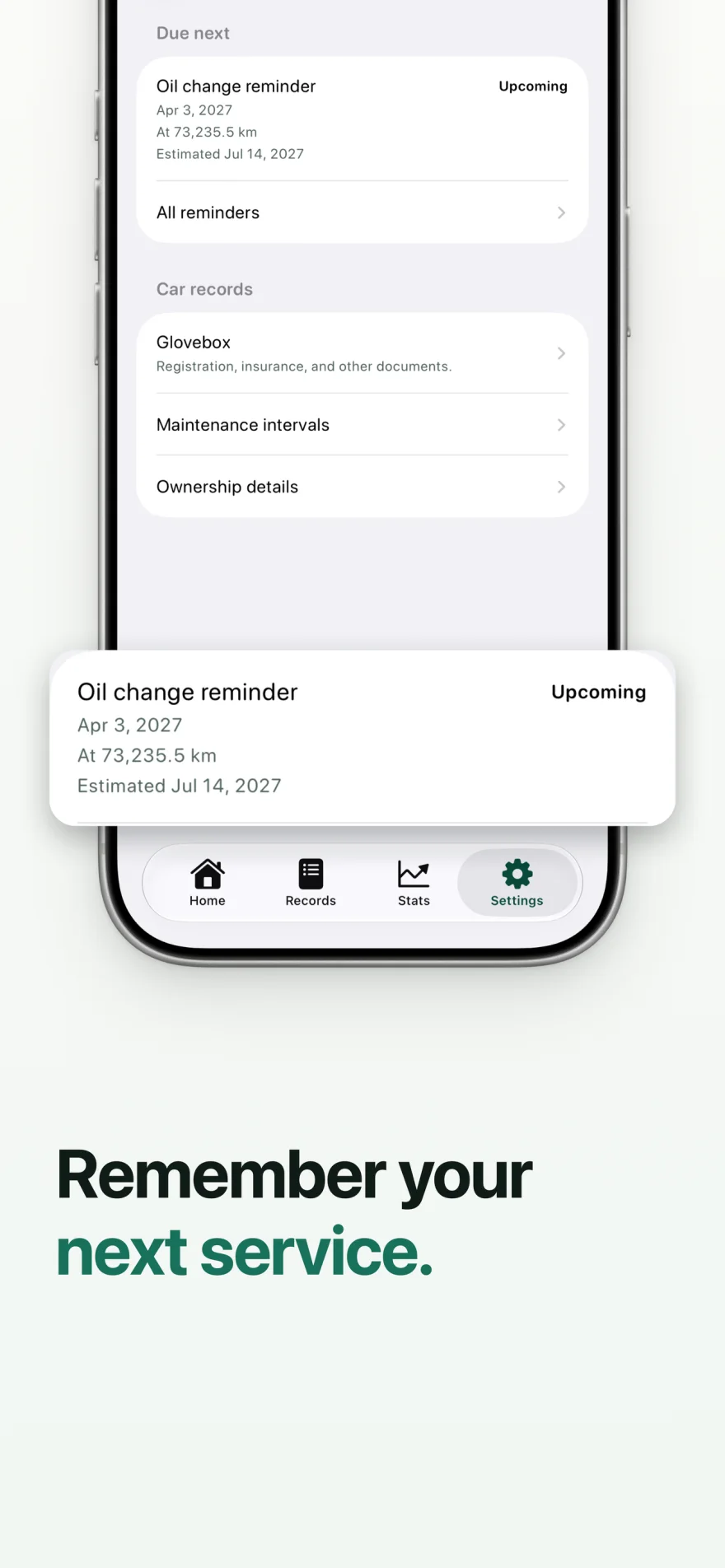
FilloA car service reminder can use a due date, an odometer target, or both. Fillo marks the item due when either condition is reached. Use intervals you confirm for your own car, and treat an estimated date as guidance based on saved records rather than a guaranteed deadline.
Choose the right reminder for the job
A registration or insurance renewal usually has a known date. A mileage-based service can use an odometer target. When your confirmed service interval has both a time and distance limit, set both.
| Reminder | Use it when |
|---|---|
| Date | You know a renewal or appointment date. |
| Odometer | You have a confirmed distance-based service target. |
| Date and odometer | Your confirmed interval uses whichever limit comes first. |
Set up a reminder you can check
Check the owner manual or your service records for the interval that applies to your car. A general interval in an app should not be treated as a manufacturer requirement.
- Select the car the reminder belongs to.
- Name the work or renewal so you can recognize it later.
- Set the due date, odometer target, or both from the interval you confirmed.
- Review the reminder and choose whether to allow local notifications.
- Keep odometer readings current and review the reminder after completing the work.
Understand an estimated due date
An odometer target is a distance threshold. An estimated date helps you understand when you may reach that threshold from the driving history you have saved. Fillo labels estimated dates so you can tell them apart from dates you entered.
If you begin driving much more or less, your saved history may no longer describe your next few weeks. Update odometer readings and check reminders in the app. An estimate cannot account for driving you have not recorded.
Worked example: whichever target comes first
This illustrative reminder has a date target of November 1, 2026 and an odometer target of 30,000 km. These targets are sample data, not a recommended maintenance interval. Use the interval confirmed for your car. Each row below is a separate scenario for the same reminder.
| Date checked | Saved odometer | Reminder result |
|---|---|---|
| October 20, 2026 | 29,800 km | Neither target reached; not due. |
| October 25, 2026 | 30,000 km | Due by odometer, before the date target. |
| November 1, 2026 | 29,900 km | Due by date, before the odometer target. |
Keep a record of the completed service
Record the service date, actual odometer reading, cost, and useful notes. Attach the receipt when you want a reference for the work performed. That creates a history you can check before the next service or include in a Vehicle Passport PDF.
Fillo schedules notifications locally. You can use the app without notifications, but you will need to check reminders yourself. Delivery also depends on your device notification settings.
Cost Ahead can use saved, confirmed maintenance intervals alongside recurring expenses and document renewals. Its totals are planning estimates based on your records. They do not predict mechanical failures.
Related Fillo guides
How to keep a fuel log on iPhone
A useful fuel log records when you filled up, your odometer reading, fuel quantity, and what you paid. In Fillo, each entry belongs to a car and stays on your device. Keeping consistent records helps you compare fuel spending and understand fuel economy over time.
Understand your car running costs and upcoming expenses
Car running costs describe what you spend to operate a car during a period. Fillo keeps fuel, charging, maintenance, and expense records together so you can review past spending. Cost Ahead provides a separate estimate of upcoming costs from your saved history, intervals, recurring expenses, and document renewals.
First-party Fillo workflows by Dexter Brylle Matos, Fillo’s developer. Examples use illustrative sample records. For data storage, backup, and restore details, read Fillo support.